
Authorization: Bearer ff_live_…. The key is the account
— everything it reads and changes is that account’s, and nothing else’s.
Making a key
1
Open Developer Tools → API keys
Owners and Admins can make keys. Developer Tools is the last entry in the side menu.
2
Name it, and choose what it may do
Give each system its own key (“Billing server”, “Website”) with only the scopes it
needs.
3
Choose where it may be used from (optional)
Addresses or ranges such as
203.0.113.0/24. A request from anywhere else is
refused with address_not_allowed.4
Copy it
The whole key is shown once. OMNI keeps only a fingerprint of it, so it can’t be
shown again — make a new one if it’s lost.
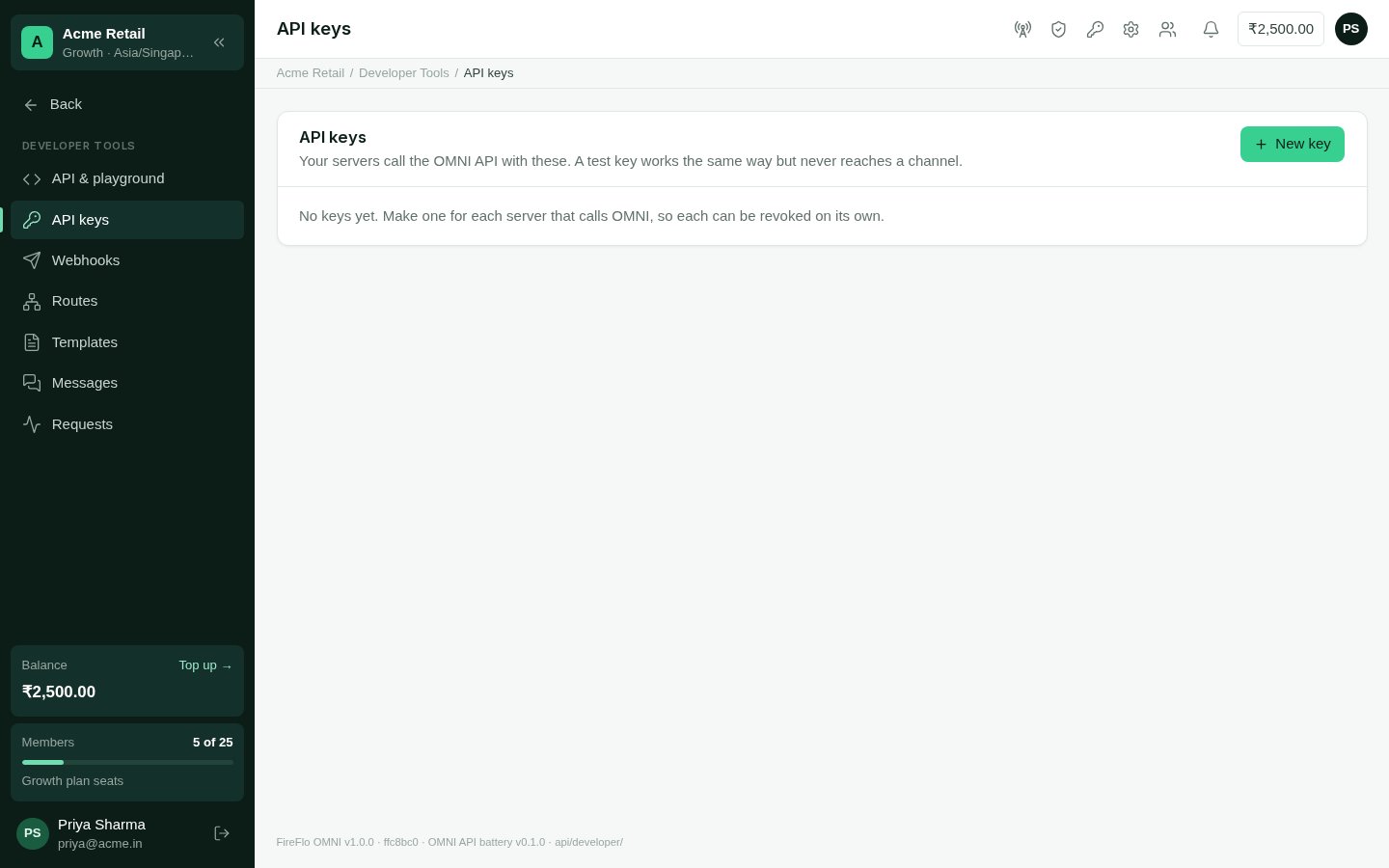
Developer Tools → API keys
Live and test keys
Build against a test key, then switch the key, not the code.
Scopes
A key may only do what its scopes allow. A request outside them is refused withscope_missing, naming the scope it needed. The full list is on
Scopes and events; the common ones:
GET /v1/me needs no scope: any key may ask who it is.
Retiring a key
Revoke it in Developer Tools → API keys. It stops working at once. A key can also be given an expiry when it is made; after it, requests are refused withinvalid_key.
Every request a key makes is in Developer Tools → Requests for 30 days — the time, the
key, the call, the answer and its request id.