
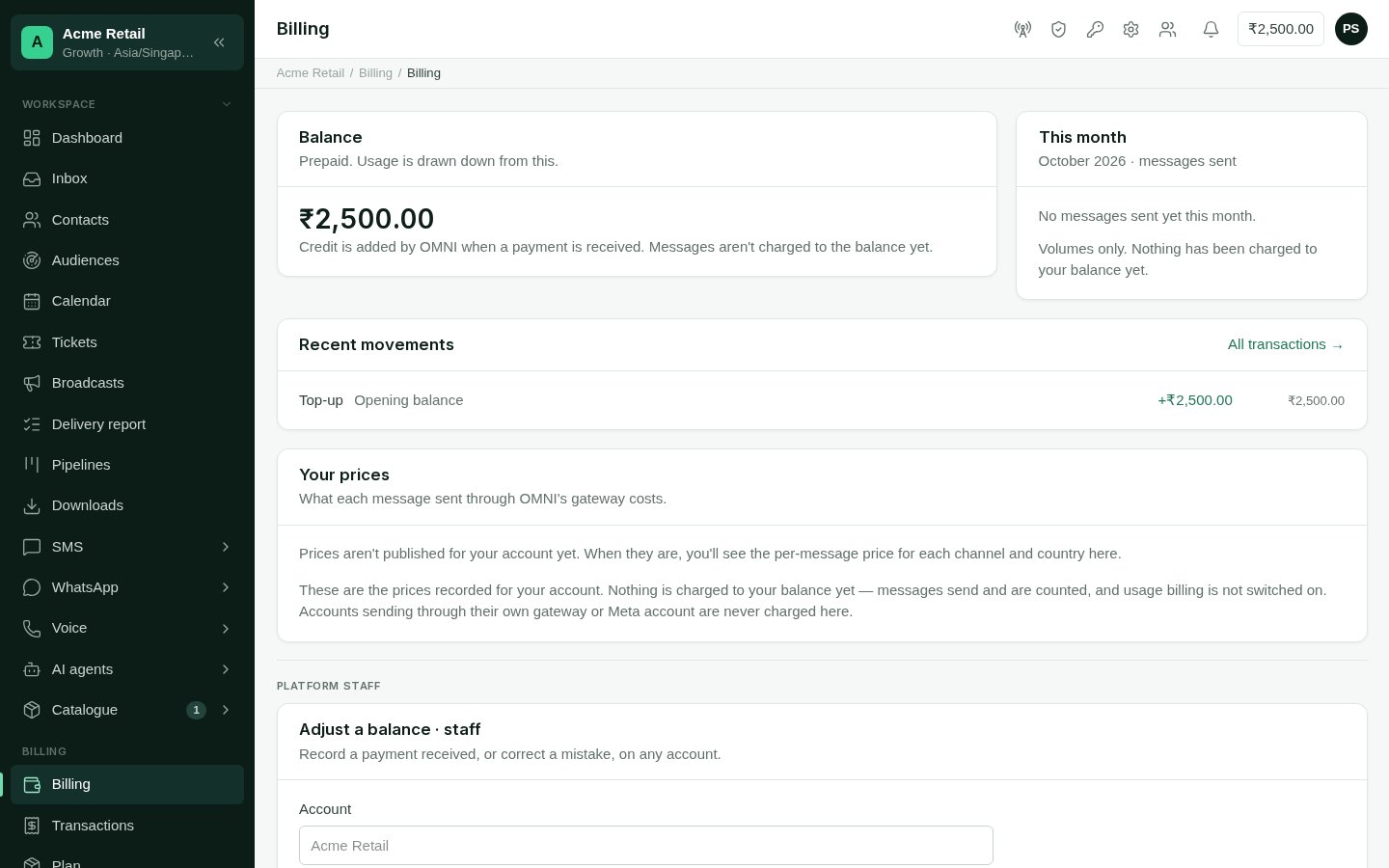
Billing: the balance, this month's volumes, recent movements and your prices.
The Billing screen
- Balance: your prepaid balance. It shows in red below zero, and it is also in the top bar of every screen. Credit is added by FireFlo when a payment is received; an account never tops itself up. For a reseller’s customer, credit comes from the reseller.
- This month: messages sent this month, per channel, and the total.
- Recent movements: the latest changes to the balance, each with what it was, the amount and the balance after it. All transactions opens the full ledger.
- Your prices: what each message costs, per channel and country, for the channels your account has. Until prices are published for your account, this card says so.
The volumes and prices on this screen are not a bill. The Balance card says
whether messages are being charged to your balance; check it there.
Transactions
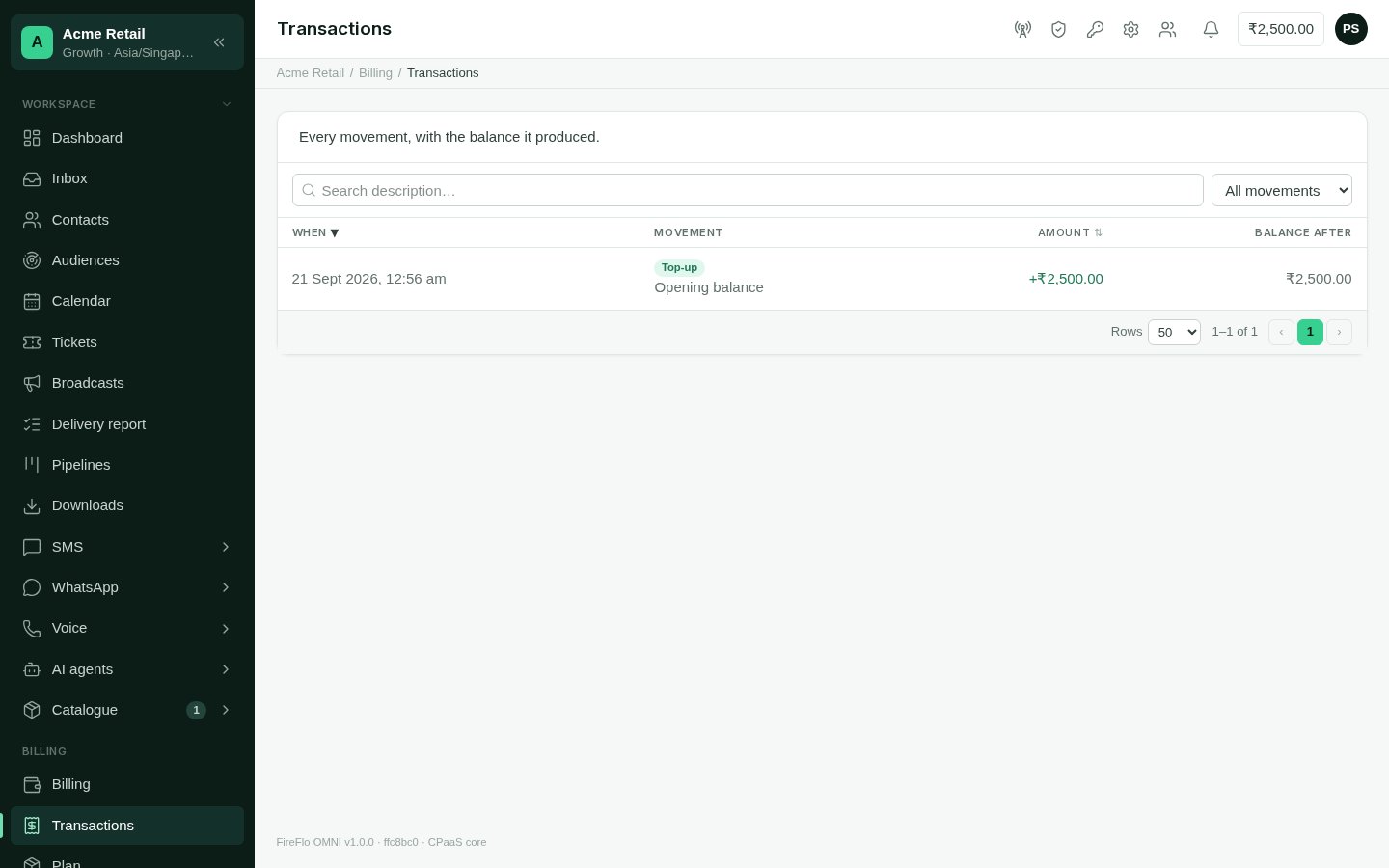
Transactions: every movement, with the balance it produced.