
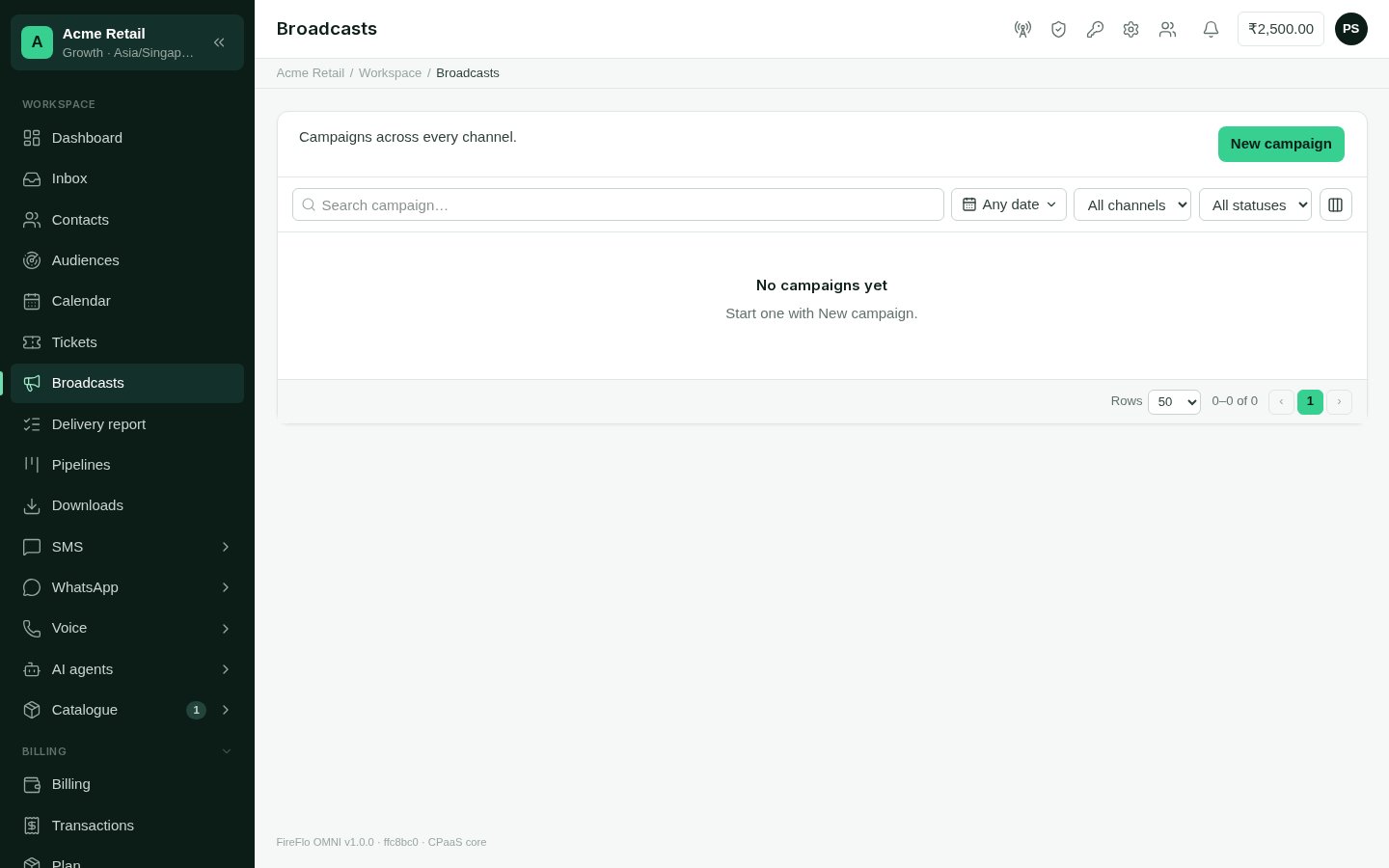
Broadcasts: every campaign across every channel, with its progress.
The list
Each campaign shows its channel, status, progress and when it was scheduled, started and finished. Search by name, and filter by date, channel and status (scheduled, sending, sent, failed or cancelled). The list refreshes itself while a campaign is sending. Choose Report to open one.Starting a campaign
Choose New campaign. One wizard serves every channel; the channel you pick supplies the parts it needs.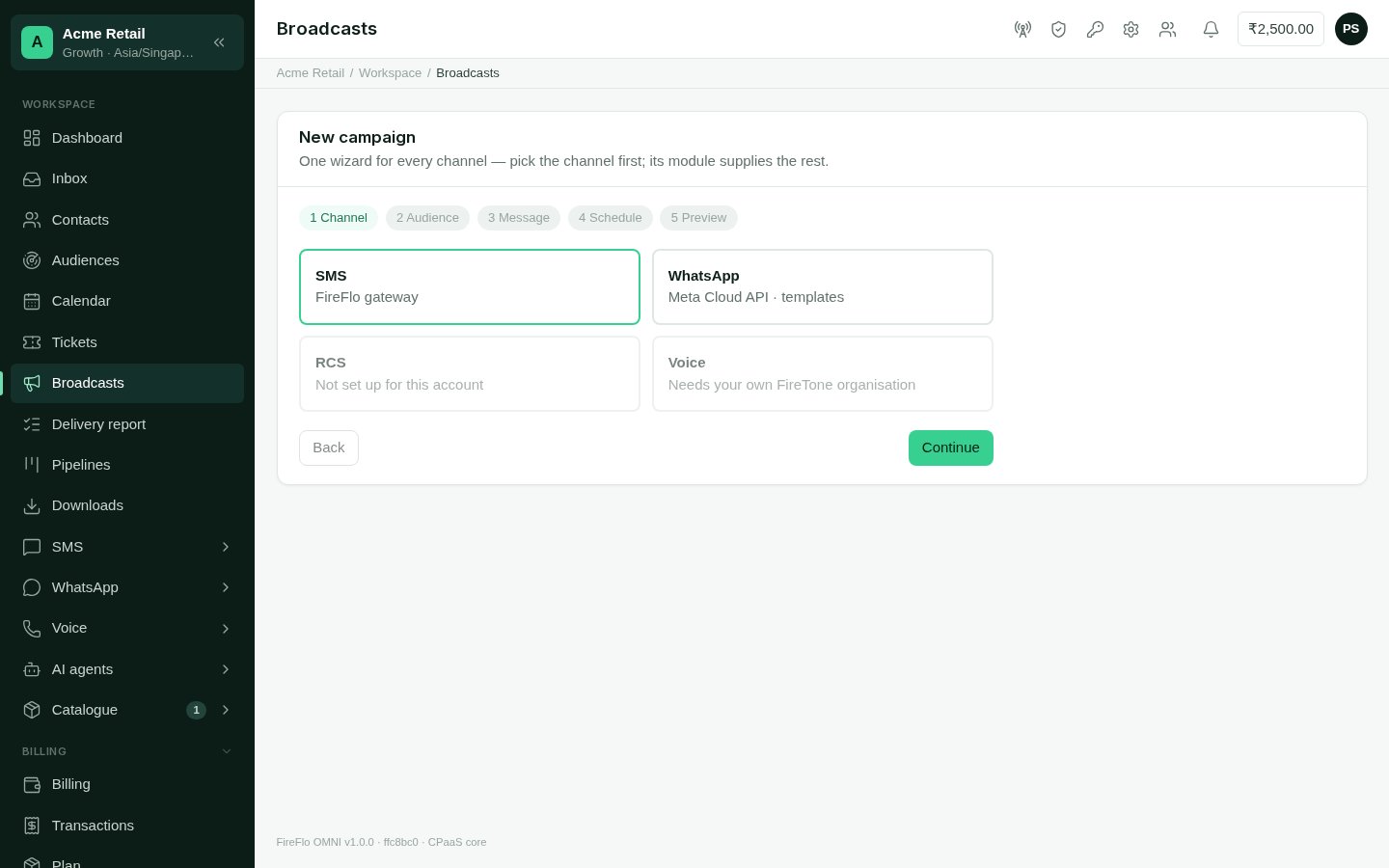
The new campaign wizard: channel, audience, message, schedule and preview.
1
Channel
Pick the channel to send on. Channels that aren’t connected can’t be picked.
2
Audience
Either upload a file (CSV or Excel, up to ten lakh rows) or choose contact
segments. A file goes straight to the server; nothing is sent until you start the
campaign. For a file, say which column is the number, and match other columns to
the fields your message uses. Batteries can add audiences of their own, such as
saved audiences from Customer data.
3
Message
Write or choose the message in the form the channel needs: an approved template on
WhatsApp or RCS, a sender ID and (in India) a registered template on SMS. Each
channel’s page explains its rules: see Channels.
4
Schedule
Times use your account’s timezone (Settings). Rows whose date is blank, unreadable,
past, or more than 30 days away are skipped.
5
Preview
See how many messages will send, how many are skipped and why, and, for SMS,
how many parts. Look through the rows, or only the skipped ones, and download the
skipped rows.Say what kind of message this is:
- marketing skips people who stopped offers;
- an update they expect skips only people who stopped everything.
Why rows are skipped
The preview gives a reason for every skipped row, such as:- not a valid phone number, or a number Excel shortened;
- the same number as an earlier row;
- the person stopped these messages, or has no opt-in for marketing;
- Do not contact, or inside the person’s quiet hours;
- a date that is missing, unreadable, past or too far away;
- the message can’t be written for that row, or the channel can’t reach that country.
A campaign’s report
Open a campaign to see how it is going.- Figures: recipients, delivered, failed, awaiting a report, and replied.
- Details: the message or template, sender, audience, who was left out, and whether it was marketing or an update.
- Delivery: what carriers reported, why messages failed, and deliveries per hour. The analysis runs by itself when the campaign finishes, and you can refresh it.
- Recipients: every number, its message, status and the carrier’s answer or error.
- Reports: choose Prepare to write the full report as files you can download. They are kept in Downloads.