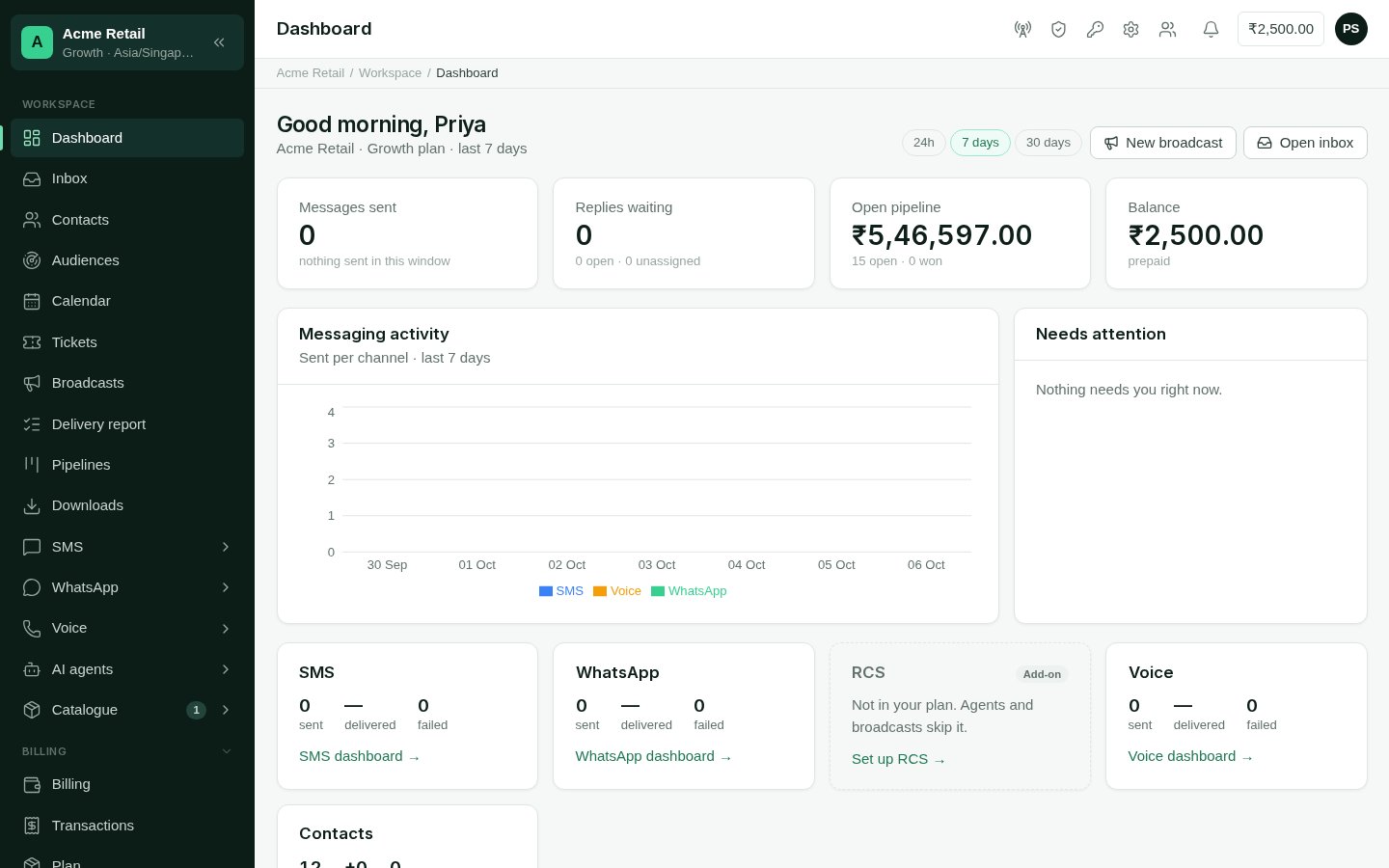
The dashboard answers “how are we doing, and what needs me now?” It is the first screen after you sign in.
The dashboard with stat tiles, messaging activity chart, needs-attention list and channel cards

The dashboard for a business with WhatsApp and SMS connected.

Who can use it: everyone in the account. What each person sees depends on their role: someone who can’t read messages sees no message figures, and someone who can’t see contacts sees no contact figures.

What is on it

At the top, a greeting, your account and plan, and the time window: 24h, 7 days or 30 days. With the right role, New broadcast and Open inbox are one click away. Four figures for the window: Messaging activity charts messages sent per channel across the window. Needs attention lists what wants doing, each linking to where to do it:
  • conversations nobody is assigned to;
  • messages that failed, with the most common reason;
  • an empty balance, which means sends will stop;
  • anything a battery flags, such as AI agent plans waiting for approval.
A card per channel your account can have. A connected channel shows how its messages did. A channel in your plan but not set up, or not in your plan, says so; broadcasts and agents skip it until it is connected. An Owner or Admin can set it up from the card. Contacts shows the total, how many are new, and how many have opted out. Recent broadcasts lists the latest four, with how many each went to and the share delivered. Batteries may add cards of their own beside it.

A new account

Until a channel is connected, the message figures are empty and the dashboard points you to Channels. See the Quickstart.