
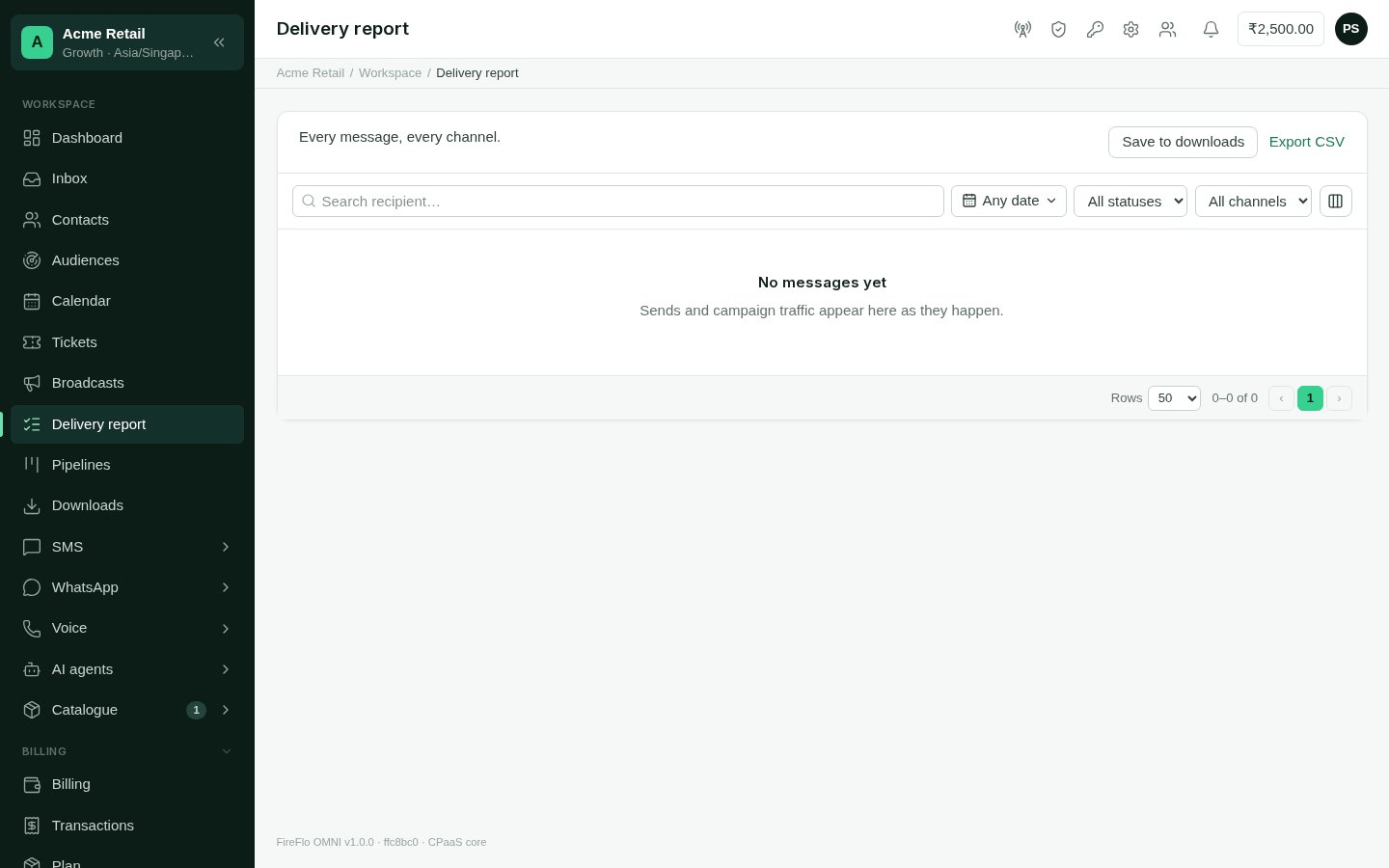
The delivery report: every message, every channel.
Reading it
Each row is one message:
Use the column picker to show or hide columns; the panel remembers your choice.
Finding messages
- Search by recipient.
- Pick a date range, in your account’s timezone.
- Filter by status and by channel.
Exporting
- Export CSV downloads what you are looking at, with the same filters, straight to your browser.
- Save to downloads writes the same export in the background and keeps it in Downloads, to fetch later or share with a colleague who has access.