
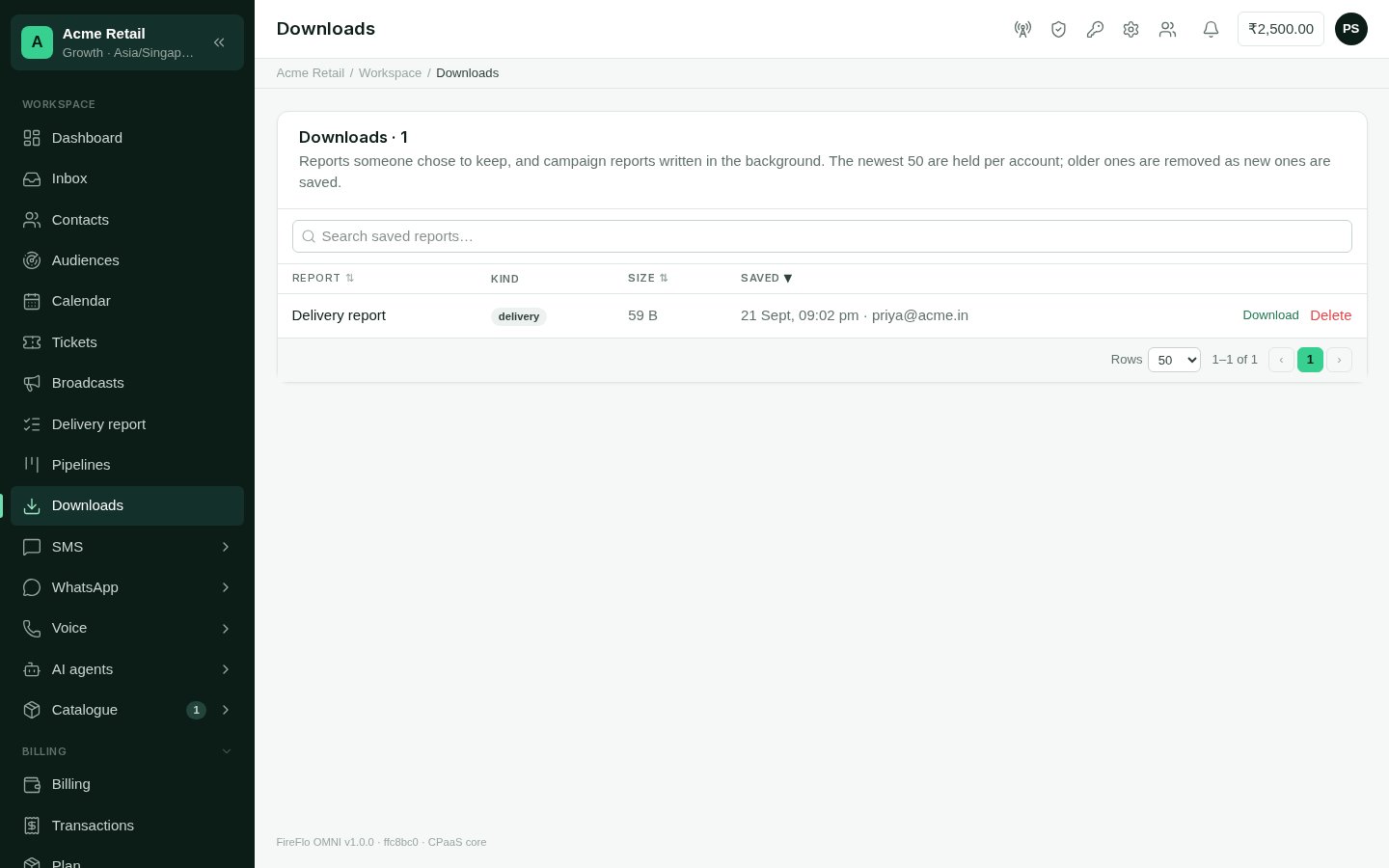
Downloads: saved reports, ready to fetch again.
What ends up here
Most exports go straight to your browser and are not kept. A report lands in Downloads when:- someone chooses Save to downloads on the Delivery report;
- a contacts export is too large to download at once, and is saved here instead;
- someone chooses Prepare under a campaign’s Reports (Broadcasts). A very large report is split into parts.
Using it
Each row shows the report’s name, kind, size and when it was saved. A report being written says so, and the page refreshes itself until it is ready. Then:- Download fetches it;
- delete removes it.
The newest 50 reports are kept per account. When a new one is saved, the oldest
beyond that are removed. Download anything you need to keep.