
How you connect
Open WhatsApp → Settings. Under How you connect, choose one of two:- Without WABA
- With my own WABA
FireFlo hosts a WhatsApp number for you. There is no Meta setup, and replies come to
your Inbox.Until your own number is ready, you send from FireFlo’s shared number. FireFlo
sets up a number of your own — ask support@fireflo.au. Once it is ready, Settings
shows your number, hosted by FireFlo, with nothing more to set up.On a hosted number you see and use only the templates your account submitted.
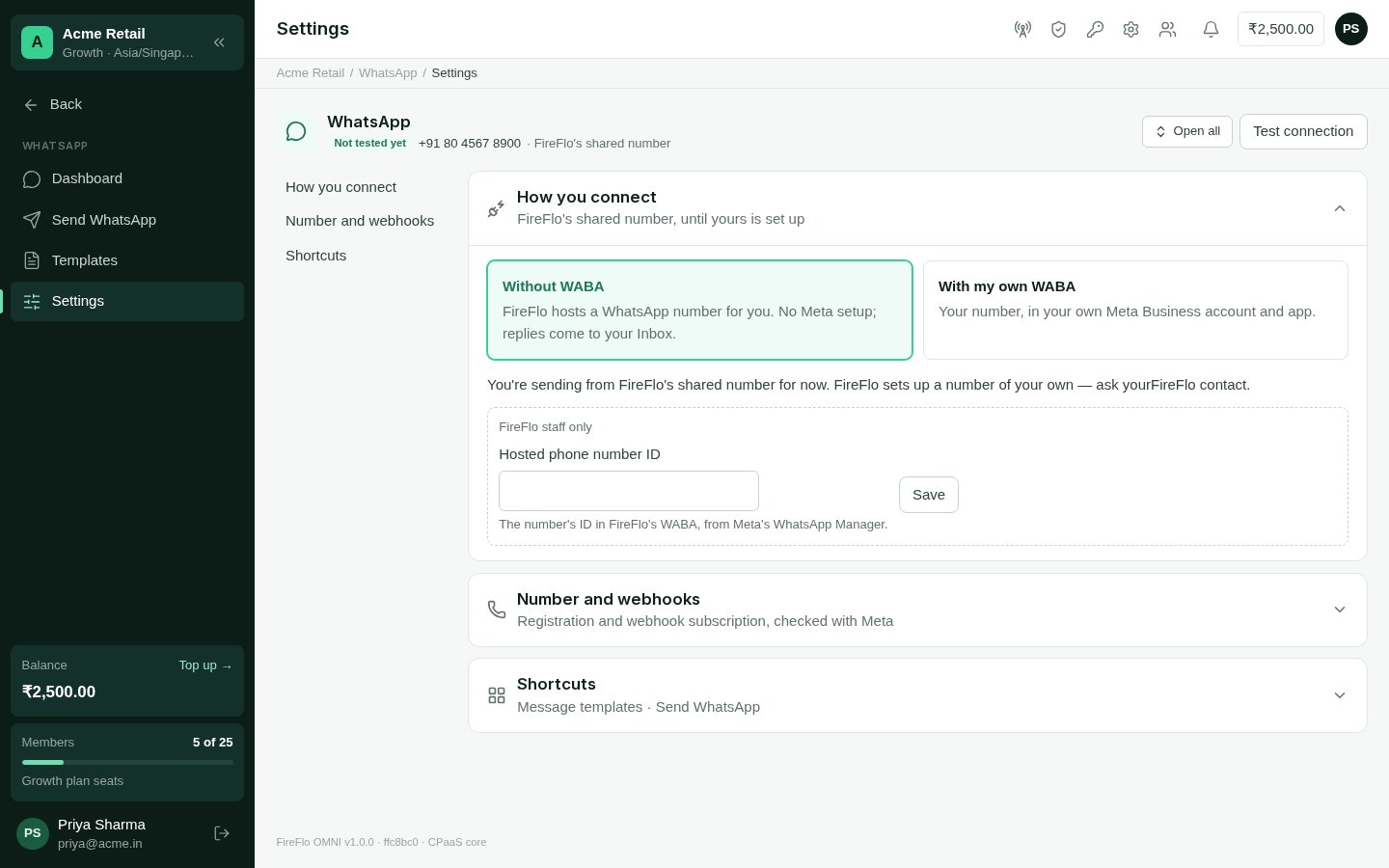
WhatsApp settings: how you connect, the callback URL, the number and its webhooks.
Finishing your own WABA
With your own WABA, two more sections appear in Settings.1
Callback URL for your Meta app
In Meta for Developers, open your app → WhatsApp → Configuration. Paste the
Callback URL and Verify token shown in OMNI, then click Verify and save. Under
Webhook fields, subscribe to
messages. The section turns green as soon as Meta’s
first call arrives.2
Number and webhooks
OMNI checks the number with Meta. If the number isn’t registered yet, enter its
six-digit Two-step PIN (set in Business Manager) to register it. If webhooks
aren’t subscribed, choose Subscribe to webhooks — inbound messages then reach
OMNI.
Voice calls over SIP
On your own WABA, Settings also shows Voice calls over SIP: the WhatsApp calling settings Meta holds for your number, read live. It shows whether calling and SIP are on, the server Meta calls in to, and the SIP credentials your phone system needs (the password only when you choose Show password; OMNI stores none of it). Copy guide gives the whole setup as text for whoever runs your phone system. You can switch the key exchange between Meta’s default and SDES — SDES is the fix when calls connect with no audio — or disconnect, so Meta stops sending calls to your SIP server. This section isn’t shown on a hosted or shared number. It is separate from Voice.Conversations and the 24-hour window
WhatsApp lets a business write freely to someone only for 24 hours after their last message. Inside that window you can send anything from the Inbox. Outside it, you can only send an approved template — which is how a conversation restarts. The Inbox shows when a thread’s window is closed (“window closed · templates only”); the reply box then points you to Send WhatsApp to send a template. See WhatsApp templates. Inside the window, the Inbox can send:- Text, including saved quick replies.
- Media — an image, video, audio file or document, up to 16 MB, with a caption.
- Reply buttons — a question with up to three buttons of up to 20 characters each. The person’s tap comes back as their answer.
- Reactions to the person’s messages.
WhatsApp also supports list menus — up to ten rows across up to ten sections — and
product cards. OMNI uses them where a battery needs them, such as Calendar’s list of
free times and Catalogue’s products.
Send WhatsApp
WhatsApp → Send WhatsApp starts conversations with an approved template.1
To
Numbers, contacts or segments — up to 500 typed numbers and contacts at a time. For
more, upload a file in a broadcast.
2
Template
Choose an approved template and fill in its blanks. The From line shows your
WhatsApp Business number.
3
Send now or later
Under More options, Send later schedules it; until then you can cancel it or
send it early. People who opted out are left out.
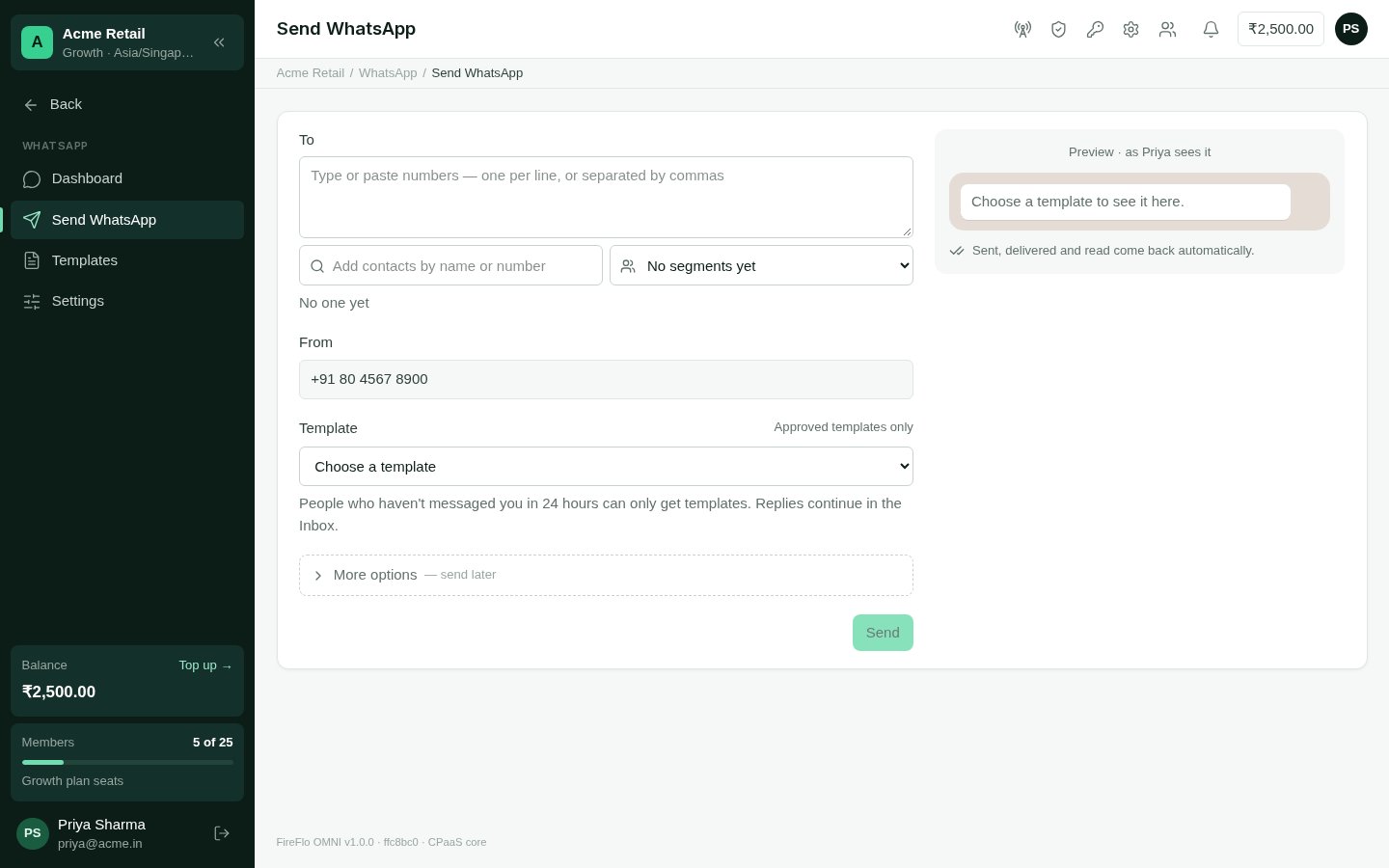
Send WhatsApp: an approved template to numbers, contacts or segments.
The WhatsApp dashboard
WhatsApp → Dashboard shows, for the period you pick: Open conversations, Messages sent, Read rate and Median first reply; a chart of inbound and outbound Conversations; Agent load (open threads by assignee, right now); Template health, synced live from Meta; and Recent campaigns.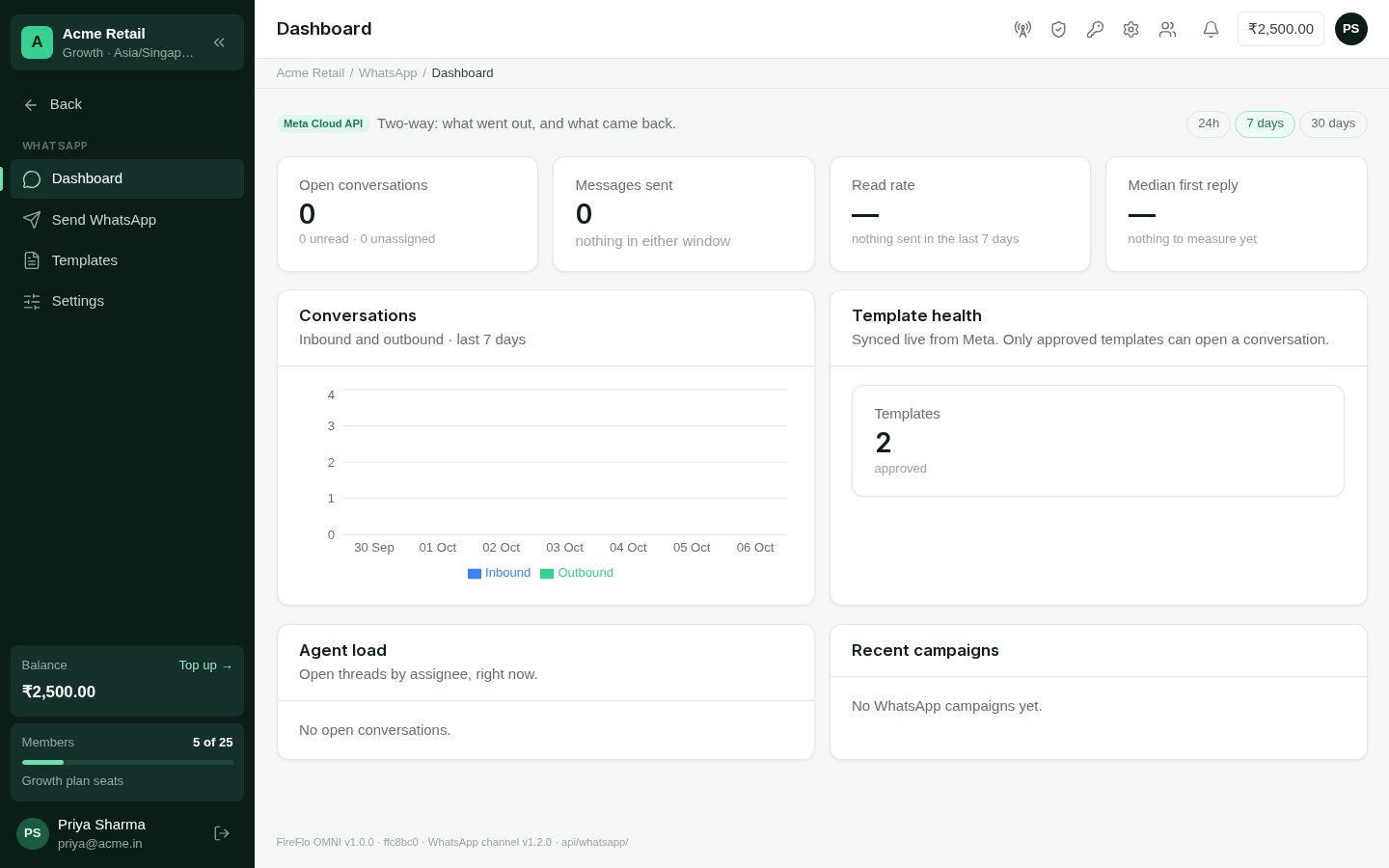
The WhatsApp dashboard.